
Digital impressions
Connect your scanner
Works with iTero, 3Shape TRIOS, Medit, Dexis, DS Core, CEREC and Shining 3D. Connect once, then choose Ceramics Dental Lab whenever you send.
How it works
Three steps for every case.
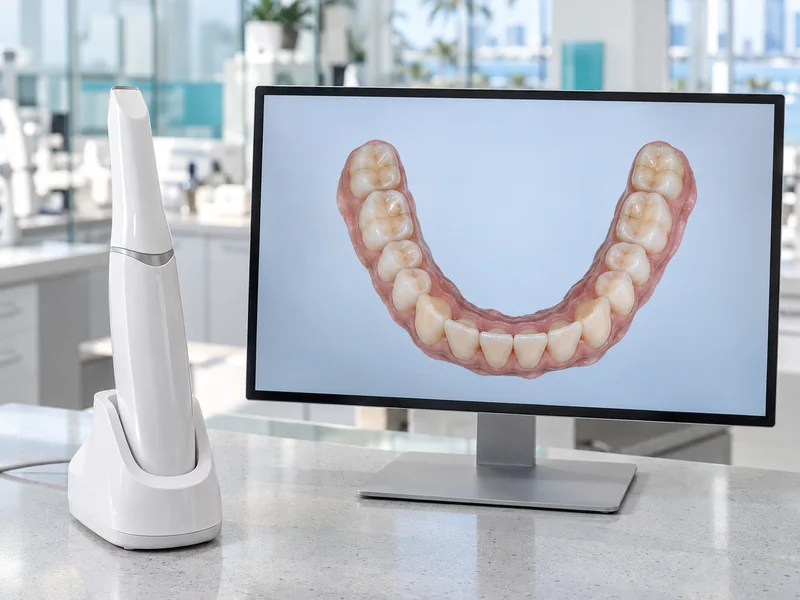
1. Scan as usual
Take the scan on your own scanner, the way you always do.




- Medit
2. Choose the lab in its portal
Send through your scanner’s own portal and pick Ceramics Dental Lab. The first time, add the lab as a connection.
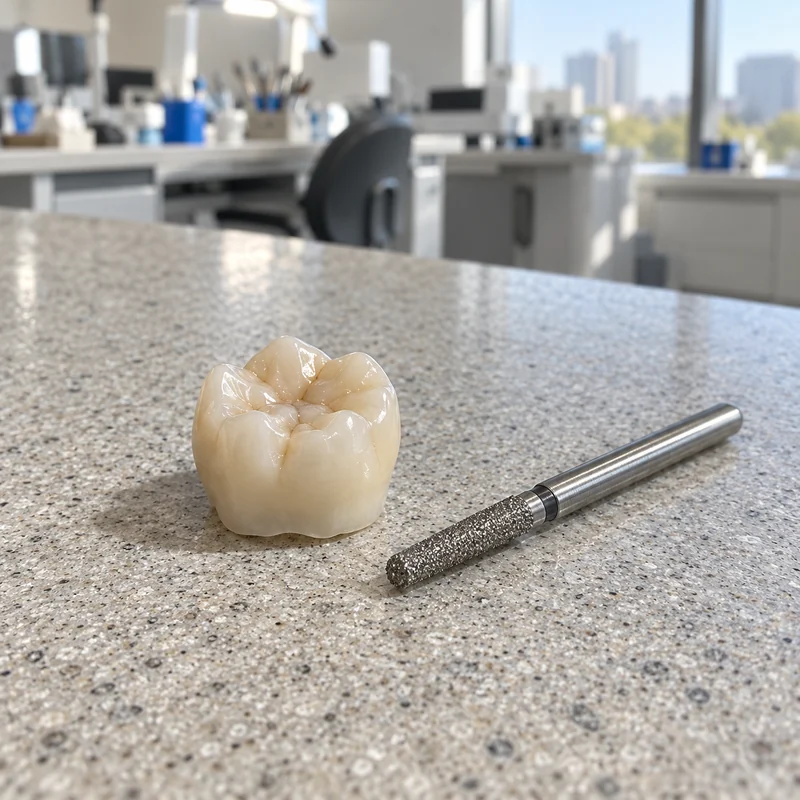
3. We open it in 3Shape
The scan arrives at the lab, where the case is logged in Labnext and designed in 3Shape.

Pick your scanner
Choose yours for its steps.
Some portals list the lab under its account name, Carlos Ceramics Dental Lab, or by the e-mail on its card. Each one reaches the same lab.
iTero
- Call Align at 800-577-8767 and choose option 2.
- Ask them to add Ceramics Dental Lab using our phone number or company ID.
- Restart the scanner once the lab is added.
- Choose Ceramics Dental Lab when you send.
- Company ID
- 6968
- Lab phone
- 305-940-4040
Dexis / Carestream
- Open Dexis / Carestream Connect on your scanner.
- Search for Ceramics Dental Lab or our email.
- Choose Ceramics Dental Lab when you submit raw .STL files.
- carlosceramicsdental@gmail.com
3Shape TRIOS
- Sign in at portal.3shapecommunicate.com.
- Open Connections and press Add Connection.
- Search our email to find the lab and connect.
- Choose Carlos Ceramics Dental Lab when you send.
- Search
- carloslab10@yahoo.com
- Lab name
- Carlos Ceramics Dental Lab
CEREC (Dentsply Sirona)

- Sign in to your Sirona Connect account at customer.connectcasecenter.com.
- Open My Account, then My Favorite Recipient.
- Press Search Recipients. Type our company name and ZIP code.
- Press the orange + to add the lab to your favorites.
- Choose Ceramics Dental Lab whenever you send a case through CEREC.
- Company name
- Carlos Ceramics
- ZIP code
- 33160
DS Core (Dentsply Sirona)
- Search for the lab in DS Core and add it as your lab.
- Do this before sending your first order.
- Lab name
- Ceramics Dental Lab
- Lab ID
- 2117911332
- carlosceramicsdental@gmail.com
Medit Link
- Open Partners and choose Invite Partner.
- Type our email.
- Press Send Invitation.
- carlosceramicsdental@gmail.com
Shining 3D
- Open the Connection menu and press + New.
- Search for the lab.
- Lab name
- Carlos Ceramics Dental Lab
- carlosceramicsdental@gmail.com

Or send it through Labnext
Most of our dentists send every case through Labnext, the lab’s case system: the scan, photos and the Rx in one place.
Ask for a Labnext login